Auto-Attendant:
How
a
Virtual
Receptionist
Works



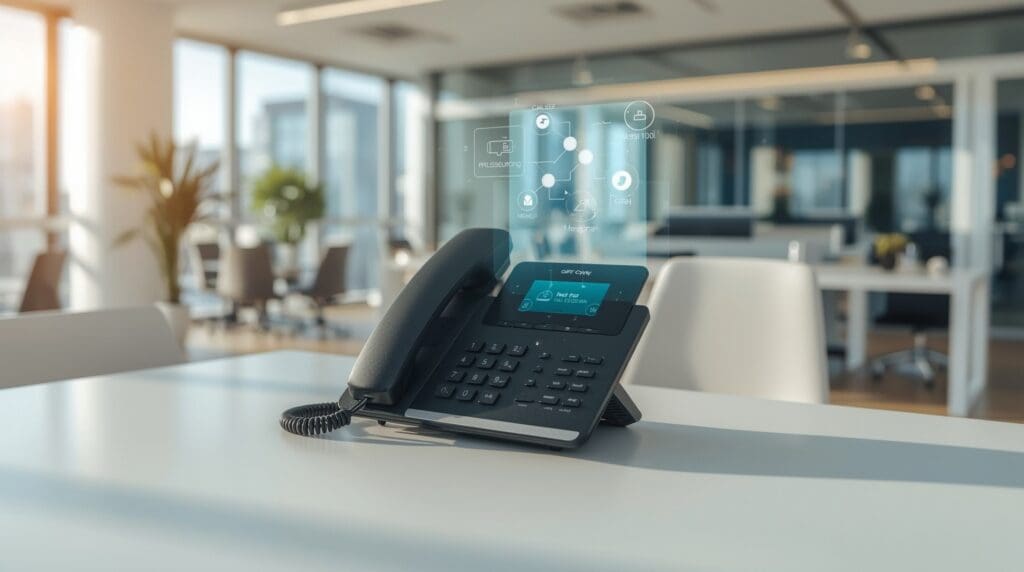
An auto-attendant is an automated phone system that answers incoming calls, plays a greeting, and routes callers to the right person or department without a live operator. It acts as your business’s first voice, available around the clock. Whether you run a five-person office or a growing company across multiple locations, an auto-attendant keeps your phone lines organized and professional.
Most modern auto-attendant systems run over a VoIP (Voice over Internet Protocol) network, meaning they use your internet connection instead of traditional phone lines. This makes them easier to configure, update, and scale. If you have ever pressed “1 for Sales” or “2 for Support,” you have already interacted with one. This guide breaks down exactly how the technology works and what it can do for your business.
An auto-attendant is a software-driven call management tool built into most modern business phone systems. It greets callers with a recorded message and presents a menu of options. The caller then presses a number or speaks a command, and the system routes the call accordingly.
Think of it as a digital front desk. It never takes a lunch break, never calls in sick, and handles multiple incoming calls at the same time. For small businesses in Raleigh that cannot afford a full-time receptionist, it fills that role at a fraction of the cost.
The term “virtual receptionist” is often used interchangeably with auto-attendant, though a virtual receptionist can sometimes refer to a live remote worker. In the context of phone systems, both terms usually mean the same automated routing technology.
When a call comes in, the auto-attendant follows a pre-set logic flow to handle it. Understanding each step helps you design a menu that actually serves your callers.
The system picks up the call automatically, often within one or two rings. The caller hears a greeting you have recorded or generated using text-to-speech software. That greeting typically includes your business name and a brief welcome.
The auto-attendant reads through the menu options. Each option is tied to a keypad number or a spoken keyword. A typical menu might offer sales, support, billing, and a directory. You control how many levels this menu has and what each option does.
The caller presses a key or speaks their choice. The system recognizes the input using DTMF (dual-tone multi-frequency) technology for keypad presses, or speech recognition for voice commands. DTMF is simply the signal your phone sends when you press a button.
The system forwards the call to the correct extension, ring group, voicemail box, or external number. If no one answers, the call can be sent to voicemail, another extension, or back to the main menu. You define every fallback in advance.
Not all auto-attendant systems offer the same features. Knowing what to look for helps you choose the right setup for your team.
A VoIP auto attendant runs entirely over your internet connection. Traditional phone systems, called PBX (private branch exchange) systems, required physical hardware in your office to manage call routing. VoIP eliminates most of that hardware by moving the logic to the cloud.
With a cloud-based VoIP auto attendant, you manage your menus through a web portal. You can update greetings, add extensions, or change routing rules from any browser in minutes. No technician visit is required for routine changes.
Traditional systems also struggled with scalability. Adding a new line or department often meant buying new hardware. A VoIP system lets you add users or locations with a few clicks and a small monthly fee adjustment. For growing businesses, that flexibility is a major advantage.
Get a free assessment of your current IT setup and a straightforward recommendation. No ticket queue, no call center, just a conversation about where your systems stand today.
Expires in


Limited time offer
We rebuilt your site for you. Claim it and we handle everything transfer, hosting, and your domain. Then update it anytime, just by asking AI.
 Claim limited offer now